Top 10 MemberPress Alternatives For Your Membership Site (2026)
Do you want to know which MemberPress alternatives could save you money, offer more flexibility, or provide features that better suit your membership site?
MemberPress is a solid choice for many creators and businesses seeking a WordPress membership plugin, but it’s not the only option. Depending on your objectives, you might find a membership plugin that better meets your needs for pricing, payment gateways, integrations, or specific features.
In this guide, we’ll compare the best MemberPress alternatives, highlighting their features, pricing, pros, and cons to help you find the right membership plugin for your website.
Why Look for MemberPress Alternatives?
MemberPress is one of the best WordPress membership plugins, letting you create subscription plans, restrict content, accept recurring payments, and sell digital products and memberships. For many website owners, it does exactly what’s needed. However, that doesn’t mean it’s the right choice for every membership site.
Below are a few reasons why you may decide to look beyond MemberPress when looking for a membership plugin for WordPress.
1. Cost: MemberPress uses an annual subscription model, with pricing starting at $399 per year for its entry-level plan. Although it includes plenty of features, that recurring cost may not be for everyone, especially beginners, small businesses, or creators launching their first membership website. Many alternatives offer lower-priced plans or free versions that make it easier to get started.
2. Learning Curve: MemberPress is designed to be user-friendly, but new users may still need time to understand its features and settings. Tasks such as setting up content dripping, creating complex access rules, or configuring third-party integrations can take some practice, particularly if you’re new to WordPress membership plugins.
3. Limited Payment Gateway Choices: The payment methods you offer can directly affect how many people complete their purchases. While MemberPress supports popular gateways such as Stripe and PayPal, some website owners need additional payment providers to serve customers in different countries. Certain alternatives support more payment gateways or regional payment methods, giving you greater flexibility.
4. Limited Design Customization: While MemberPress gives you control over how your membership site functions, it provides fewer built-in options for changing its appearance. If you want to customize registration forms, account pages, or other elements beyond the default layouts, you may need custom CSS or additional plugins.
Ultimately, the best membership plugin depends on your website’s goals, your budget, and the experience you want to provide your members. That’s why comparing MemberPress alternatives before making a decision is worthwhile.
Quick Comparison Table
Plugin
Best For
Pricing
ProfilePress
Membership sites and digital products
Free version available; Premium plan starts at $129 per year
Paid Memberships Pro
Flexible membership sites and subscription businesses
Free version available; Premium plan starts at $499 per year
WooCommerce Memberships
WooCommerce stores
$199 per year
MemberMouse
Advanced memberships, subscriptions, and online courses
Plans start at $299 per year
WishList Member
Membership and course sites
Plans start at $299 per year
AccessAlly
Online courses, CRM automation, and memberships
Plans start at $495 per year
Ultimate Member
Online communities, user profiles, and member directories
Free version available; Premium plan starts at $276 per year
Simple Membership
Basic membership websites
Free version available; Premium add-ons start at $69 per year
s2Member
Advanced content protection and membership control
Free version available; Pro version costs $89 one-time
SureMembers
Content restriction and flexible membership access
Free version available; Premium plans start at $69 per year
Please note that the pricing information in this guide is based on the prices available as of August 2026. Pricing may change over time, so we recommend checking each plugin’s official website for the latest price.
With that said, let’s dive into the top MemberPress alternatives for building a WordPress membership site and take a closer look at what each plugin has to offer.
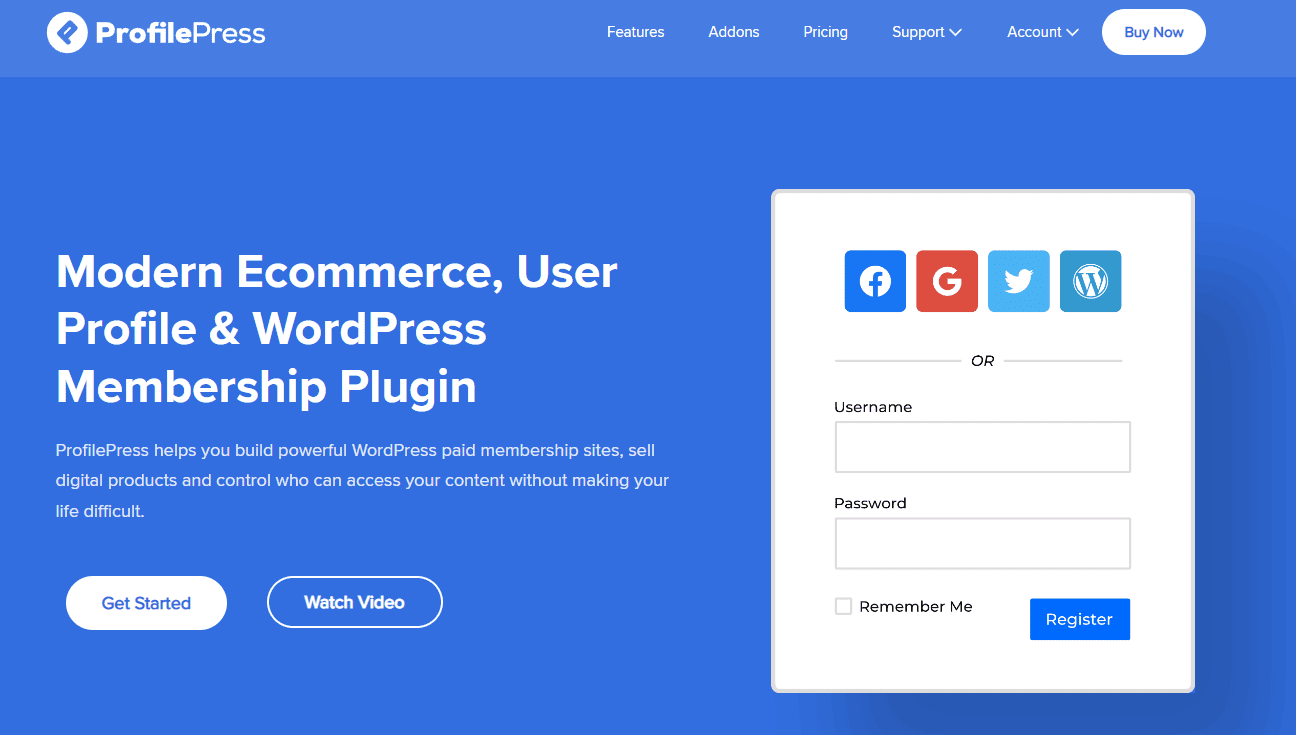
1. ProfilePress
If you’re looking for a plugin that offers MemberPress features and more, with greater flexibility, ProfilePress deserves serious consideration.
ProfilePress offers membership management, eCommerce, user registration, payment processing, and digital product sales, making it an excellent alternative to MemberPress.
What makes ProfilePress particularly appealing is its flexibility. Whether you want to create a members-only website, sell online courses, offer premium content, accept donations, or sell digital downloads, it provides the features you need to run your business from a single dashboard.
It supports both one-time and recurring payments and works with several popular payment gateways, including Stripe, PayPal, Paddle, Razorpay, Mollie, Paystack, and Bank Transfer. This gives your customers multiple ways to pay while allowing you to serve audiences across different countries.
ProfilePress also focuses on delivering a polished experience for both website owners and members. Its drag-and-drop form builder lets you create custom WordPress registration and login forms for your website.
Members can manage their subscriptions, update their profiles, and access their accounts through attractive frontend pages instead of the default WordPress dashboard. If you’re building a professional membership website, these small details can make a noticeable difference in the overall user experience.
Another reason ProfilePress ranks at the top of this list is its growing ecosystem of integrations and advanced membership features. It connects with WooCommerce, LearnDash, Tutor LMS, LifterLMS, Sensei LMS, BuddyBoss, Mailchimp, Brevo, AffiliateWP, and many other popular WordPress plugins and services.
ProfilePress gives you plenty of room to expand your membership website as your business grows. It offers features such as content restriction and metered paywalls, social login, two-factor authentication, member directories, and detailed sales reports.
Features of ProfilePress
Create unlimited free and paid membership plans.
Accept one-time and recurring payments.
Supports Stripe, PayPal, Paddle, Razorpay, Mollie, Paystack, and Bank Transfer.
Sell digital products and downloadable files.
Protect premium content with flexible access rules.
Create metered paywalls that allow visitors to read a limited number of articles before requiring a subscription.
Drag-and-drop builder for registration, login, checkout, and profile forms.
Beautiful frontend user profiles and searchable member directories.
Custom account dashboard for members.
Restrict posts, pages, categories, custom post types, tags, and navigation menus.
WooCommerce integration for membership stores and members-only discounts.
Integrates with LearnDash, Tutor LMS, LifterLMS, Sensei LMS, Academy LMS, and MasterStudy LMS.
Email marketing integrations with Mailchimp, Brevo, MailerLite, and Campaign Monitor.
Excellent integration with WooCommerce and popular LMS plugins.
Advanced security features such as reCAPTCHA, 2FA, and passwordless login.
Detailed reporting helps you monitor sales and membership performance.
Suitable for websites of all sizes, from small creator sites to growing membership businesses.
Cons
Certain advanced features require a premium license or additional add-ons.
How Much Does ProfilePress Cost?
ProfilePress offers a free version that includes essential membership and user management features. Premium plans start at $129 per year, with higher-tier licenses unlocking additional integrations, payment gateways, ecommerce features, and advanced membership capabilities.
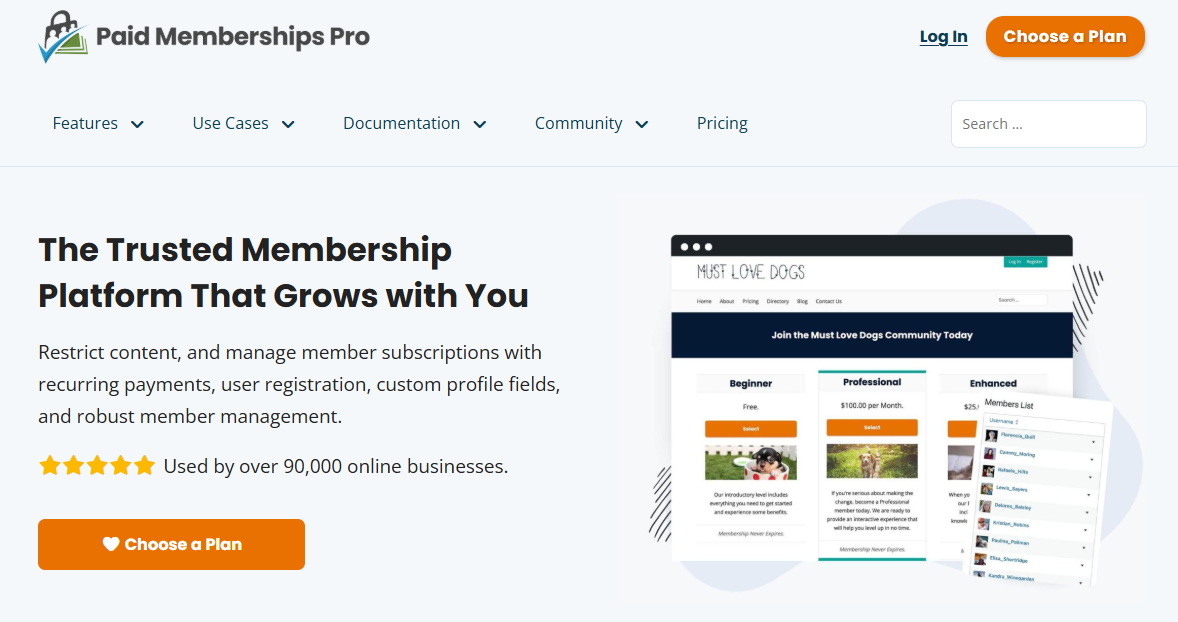
2. Paid Memberships Pro
Paid Memberships Pro (PMPro) is another popular WordPress membership plugin for running a subscription-based community, an online course platform, or a premium content website.
As a MemberPress alternative, it lets you create multiple membership levels, restrict premium content, accept recurring payments, and manage members directly from your WordPress dashboard.
After testing its features, PMPro looks well-suited to website owners who desire total flexibility and customization and are not afraid of writing code.
With Paid Memberships Pro, you can create membership plans with free and paid tiers, set different access rules for each level, and offer trials, discounts, or coupon codes.
Content restriction is also handled well, with options to protect posts, pages, categories, custom post types, downloads, and other premium resources. The content dripping feature is another useful addition, especially for course creators who want to release lessons gradually rather than giving members access to everything at once.
On the payment and membership management side, it supports popular payment gateways including Stripe, PayPal, and Authorize.net.
Features of Paid Memberships Pro
Create unlimited membership levels with different prices and access rules.
Offer free memberships, paid subscriptions, trials, coupons, and discounts.
Restrict posts, pages, categories, custom post types, downloads, and premium resources.
Drip content to members based on their membership level or subscription period.
Accept payments through gateways such as Stripe, PayPal, and Authorize.net.
Support recurring and one-time payments.
Provide frontend registration and account management.
Allow members to manage their subscriptions and billing details.
Track membership growth, revenue, payments, and other activity.
Extend functionality through add-ons for email marketing, affiliate programs, group memberships, and more.
Connect with services and plugins such as WooCommerce, Mailchimp, Zapier, and AffiliateWP.
Integrate with learning management systems to sell courses and manage access.
Use hooks, filters, and developer features for deeper customization.
Pros
Flexible membership levels and access rules.
Offers a free version for users who want to test the plugin before paying.
Supports recurring payments, trials, coupons, and discounts.
Advanced content restriction and content dripping capabilities.
Frontend account and subscription management for members.
Wide selection of add-ons and integrations.
Developer-friendly with plenty of options for custom development.
Reporting features help website owners track membership activity and revenue.
Suitable for small membership sites as well as larger and more complex projects.
Cons
The number of settings and add-ons may take new users some time to get used to.
Advanced functionality can increase the overall cost of running the site.
Creating a highly customized design may require a compatible theme, page builder, or additional development work.
Users on the free version have access to less support than premium customers.
How Much Does Paid Memberships Pro Cost?
Paid Memberships Pro offers a free version, while paid plans start at $499 per year and come with a 100-day money-back guarantee.
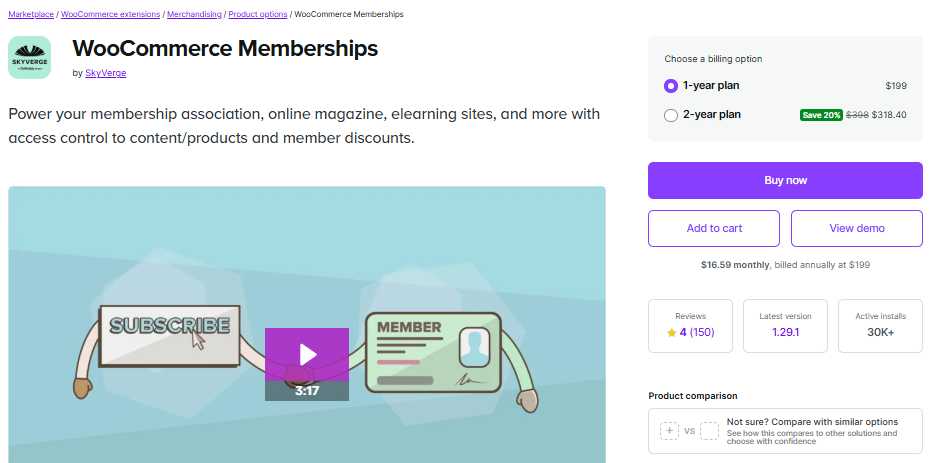
3. WooCommerce Memberships
WooCommerce Memberships takes a different approach to membership websites by building the membership experience directly into your online store. Rather than functioning as a standalone membership system, it connects your memberships to WooCommerce products, allowing you to control access to content, products, discounts, and other member benefits from the same environment.
If you’re already using WooCommerce to sell physical or digital products, this integration makes WooCommerce Memberships an excellent MemberPress alternative to consider.
One feature I particularly like is the flexibility you get when deciding how customers receive their memberships. You can sell a membership as a standalone product, include membership access with another purchase, grant access through several different products, or assign memberships manually.
This gives you plenty of options for creating creative membership models. You can also drip-feed content over time, so members don’t have to access everything immediately. For example, you could give a member access to certain content after they’ve been subscribed for a specific number of days.
WooCommerce Memberships also does a good job of turning your store into a members-only shopping experience. You can restrict products so that only members can view them, or make products visible to everyone while limiting purchases to members.
Features of WooCommerce Memberships
Create membership plans independently from WooCommerce products.
Sell memberships as standalone products.
Grant membership access when customers purchase specific products.
Assign memberships manually for invite-only areas.
Grant the same membership through multiple products.
Restrict posts, pages, and other content to members.
Drip content based on how long someone has been a member.
Restrict product viewing or purchasing to members.
Create members-only products and purchasing clubs.
Offer exclusive discounts on products and product categories.
Provide members-only free shipping.
Give members access to a dedicated member area through their WooCommerce account.
Display available content, products, discounts, and membership notes to members.
Export member data to CSV.
Import members and membership data in bulk through CSV.
Add membership notes for internal records or member communication.
Send membership expiration and renewal reminder emails.
Integrate with WooCommerce Subscriptions for recurring membership payments.
Support free trials, subscription billing, and installment payment plans with WooCommerce Subscriptions.
Allow members to pause, upgrade, or downgrade eligible subscriptions.
Support group and company memberships through the Teams for WooCommerce Memberships extension.
Pros
Excellent integration with WooCommerce.
Flexible ways to sell and assign memberships.
Excellent choice for ecommerce-focused membership websites.
Allows you to offer member-only discounts and free shipping.
Content dripping gives you greater control over when members access premium content.
Works well with WooCommerce Subscriptions for recurring billing.
Members can manage their benefits and access from their WooCommerce account.
Supports group memberships through an additional extension.
Cons
Best suited to websites that already use or plan to use WooCommerce.
Advanced membership features may require additional WooCommerce extensions.
It may feel like more than you need if your website only requires basic content restriction and memberships.
The setup can become more complex when combining multiple WooCommerce extensions.
How Much Does WooCommerce Memberships Cost?
WooCommerce Memberships costs $199 per year for a single site. This gives you access to the core membership plugin, which lets you create membership plans, restrict content and products, offer member discounts, drip content, and manage member benefits.
If you want to create recurring membership plans, you’ll also need WooCommerce Subscriptions, which is sold separately.
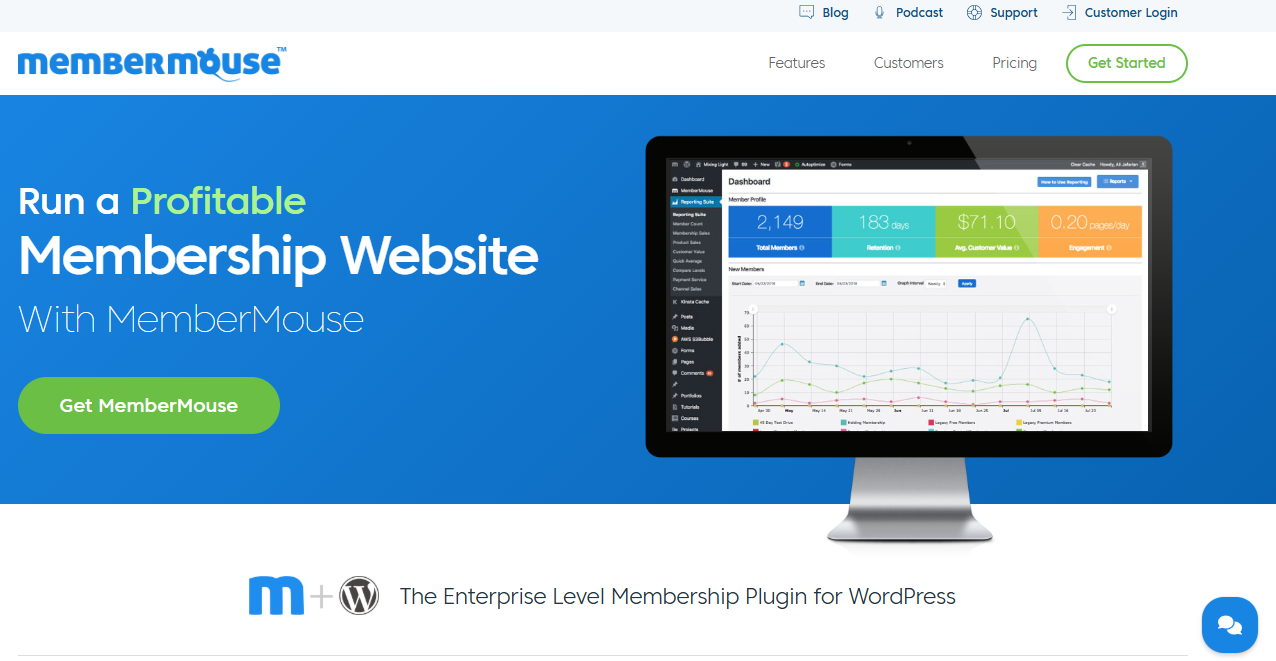
4. MemberMouse
MemberMouse is an excellent alternative to MemberPress, built for businesses that need more than basic membership management. It lets you create unlimited membership levels, protect premium content, offer recurring or one-time payments, and build flexible pricing structures.
Beyond memberships, MemberMouse includes features that help you run and grow your business. It supports content dripping, advanced member segmentation, SmartTags for displaying personalized content, and detailed customer management.
You can also integrate it with popular payment gateways and email marketing platforms such as Mailchimp, Kit, and Drip, as well as learning management systems for delivering online courses. These integrations make it easier to manage member onboarding, marketing campaigns, and subscriptions without relying on multiple plugins.
Features of MemberMouse
Create unlimited free and paid membership levels.
Sell recurring subscriptions and one-time products.
Sell digital downloads and physical products.
Create product bundles for flexible selling options.
Offer free trials and recurring payment plans.
Connect products and bundles to membership levels.
Support multiple payment gateways.
Create customizable checkout pages.
Add custom fields to checkout forms.
Generate signup and login forms.
Offer upsells and cross-sells to existing members.
Create coupon codes with usage limits and expiration dates.
Drip content to members based on their membership or purchase.
Create and sell online courses with the Courses for MemberMouse add-on.
Build lessons and quizzes with a drag-and-drop course builder.
Create downloadable certificates for course students.
Display content based on member attributes and activity using SmartTags.
Monitor member activity and transactions.
Access detailed membership and business reports.
Import and export member and transaction data through CSV files.
Pros
Supports unlimited membership levels.
Combines membership management with ecommerce functionality.
Offers flexible options for selling digital and physical products.
1-click purchase links can make upgrades and additional purchases easier.
Built-in content dripping helps manage long-term access to content.
Supports online course creation through its Courses add-on.
Detailed reporting helps you understand membership performance.
SmartTags allow you to display content based on member information and activity.
Supports popular email marketing services.
Offers several options for creating subscriptions, bundles, trials, and coupons.
Cons
The extensive feature set may be more than needed for a basic membership website.
Some advanced features require additional add-ons.
Pricing can be expensive for businesses that need multiple advanced features.
Setting up a more complex membership and ecommerce system may require time and configuration.
Users looking for a lightweight membership plugin may find MemberMouse too feature-heavy.
How Much Does MemberMouse Cost?
MemberMouse pricing starts at $299 per year, making it a relatively affordable option for businesses that want to build and manage a membership website.
5. Wishlist Member
Wishlist Member is a solid MemberPress alternative for creators looking for solid content protection and membership management.
It lets you create unlimited free, trial, and paid membership levels, assign members to multiple levels, and restrict access to posts, pages, files, custom post types, and specific sections of content.
With Wishlist Member, you can offer sneak peeks of premium content to encourage visitors to sign up, create members-only RSS feeds, and schedule content to release over time.
Its content control features also allow you to schedule when content becomes available, remove access after a specific date, or manage how older content is presented to members.
The plugin also includes a sequential upgrade feature that can automatically move members between membership levels based on a schedule.
Wishlist Member also has a wide selection of integrations. It works with payment processors, shopping carts, email marketing services, automation platforms, and popular learning management systems. You can connect it with services such as PayPal, Stripe, ActiveCampaign, LearnDash, Zapier, and several other platforms.
Features of Wishlist Member
Create unlimited free, trial, and paid membership levels.
Support unlimited members.
Allow members to belong to multiple membership levels.
Protect posts, pages, categories, and custom post types.
Restrict specific sections of content with partial content protection.
Create members-only RSS feeds.
Offer content previews or “sneak peeks” to non-members.
Schedule content releases using content dripping.
Automatically move members between membership levels using Sequential Upgrades.
Schedule content to become available at specific times.
Remove access to content after a set date.
Repost or archive content based on specific schedules.
Sell access via Pay-Per-Post-style products.
Support membership trials and paid plans.
Integrate with payment processors and shopping carts.
Connect with email marketing services and automation platforms.
Integrate with LearnDash and other popular LMS platforms.
Create online courses with the CourseCure add-on.
Add gamification features through supported add-ons.
Require manual approval from the member before granting access.
Require members to confirm their email addresses during registration.
Import and export member data.
Manage and move members between membership levels.
Create custom registration and login experiences.
Set different redirect pages for individual membership levels.
Supports Zapier for connecting with additional third-party services.
Pros
Offers unlimited membership levels and members.
Provides flexible content protection options.
Allows members to belong to multiple membership levels.
Has extensive integrations with payment services, shopping carts, email platforms, and LMS solutions.
Content scheduling gives you greater control over how members access premium content.
Supports partial content protection and content previews.
Includes options for manual member approval and email confirmation.
Works well for membership websites with complex content access requirements.
Offers both its own LMS solution and integrations with external LMS platforms.
Provides several options for managing and moving members between membership levels.
Cons
Payment and registration setup can feel disconnected depending on the payment processor or shopping cart.
Members do not have a full self-service account area to manage billing and subscriptions.
Subscription cancellations may need to be handled through the payment processor.
Built-in reporting is limited compared with membership plugins that offer detailed financial analytics.
Advanced membership setups may require more configuration.
The large number of settings and integrations may take time to configure properly.
Some users may need custom work to create a more polished member dashboard experience.
How Much Does Wishlist Member Cost?
Wishlist Member pricing starts at $299 per year. Every plan includes a 14-day money-back guarantee, so you can try it out and request a refund if it doesn’t meet your needs.
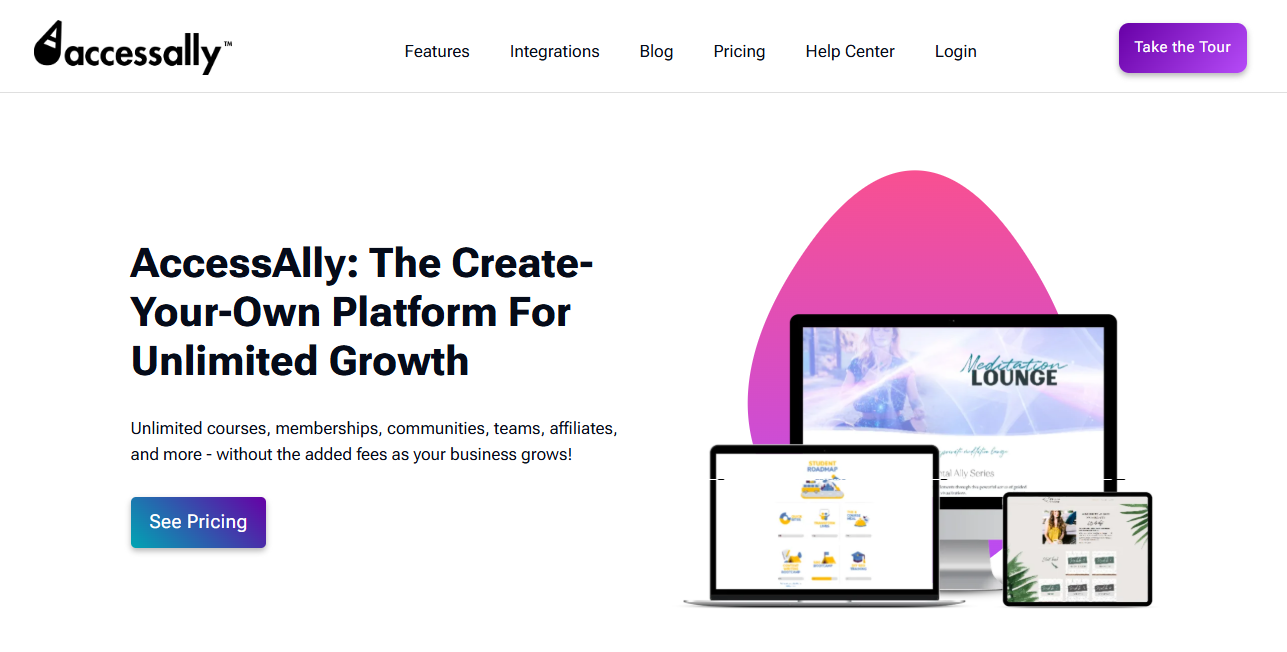
6. AccessAlly
AccessAlly is a MemberPress alternative worth considering if you want your membership website to do more than restrict content and manage subscriptions. It takes a broader approach by bringing memberships, online courses, coaching programs, digital products, and group access into a single WordPress solution.
With it, you can create different offerings and choose how you want to charge for them, whether that’s through one-time payments, recurring subscriptions, installment plans, or free and discounted trials. This makes AccessAlly particularly appealing if you run a business with multiple products or revenue streams.
What really sets AccessAlly apart, in my view, is its deep connection with CRM platforms. The plugin can use CRM tags to track member activity, such as enrolling in a course, completing a quiz, watching a video, viewing a page, or submitting a form.
You can then use this information to decide what content members can access, display relevant content, or trigger automated email campaigns. The two-way integration also means that changes made in your WordPress site can sync with your CRM, and actions taken in the CRM can affect what happens on your website.
If marketing automation is an important part of your membership strategy, AccessAlly offers considerably more depth in this area than a typical membership plugin.
The downside is that all this functionality comes with a higher price and a steeper learning curve. AccessAlly may feel excessive if all you need is a simple membership site with a few protected pages and recurring payments. Its CRM-based approach also means you’ll need to use a supported CRM to take full advantage of its automation capabilities, which adds to the overall cost.
However, if you’re building a serious membership or online course business and want your website, CRM, marketing automation, and customer experience to work closely together, AccessAlly is an effective MemberPress alternative.
Features of AccessAlly
Sell memberships, online courses, coaching programs, and digital products
Unlimited content restriction and content dripping
One-time payments, subscriptions, installment plans, and free trials
Built-in LMS with quizzes, certificates, assignments, and progress tracking
Advanced CRM-based automation with two-way tag syncing
Group memberships and bulk enrollment for businesses and organizations
Gamification, progress points, and member directories
One-click upsells, order bumps, cross-sells, and coupons
Supports Stripe, PayPal, ActiveCampaign, ConvertKit, Drip, Ontraport, and Infusionsoft
Offer one-time payments, recurring subscriptions, installment plans, and free
Create frontend directories where members can view other users and, where appropriate, their progress or achievements.
Pros
Combines membership, LMS, and marketing automation features in one platform.
Deep two-way CRM integration provides advanced tagging and automation possibilities.
Supports a wide range of business models, including memberships, courses, coaching, digital products, and group programs.
Offers powerful group membership features for corporate training and organizations.
Includes features such as gamification, affiliate management, upsells, and order bumps.
Reduces the need for multiple third-party plugins.
Cons
More expensive than many traditional WordPress membership and LMS plugins.
Requires a supported CRM to take full advantage of its core tagging and automation capabilities.
The extensive feature set may be excessive for simple membership websites.
Can have a steeper learning curve because of its broad range of functionality. The overall cost can increase when you factor in the separate CRM subscription required for supported integrations.
How Much Does AccessAlly Cost?
AccessAlly is a premium WordPress plugin with plans designed for different business needs. Pricing starts at $495 per year.
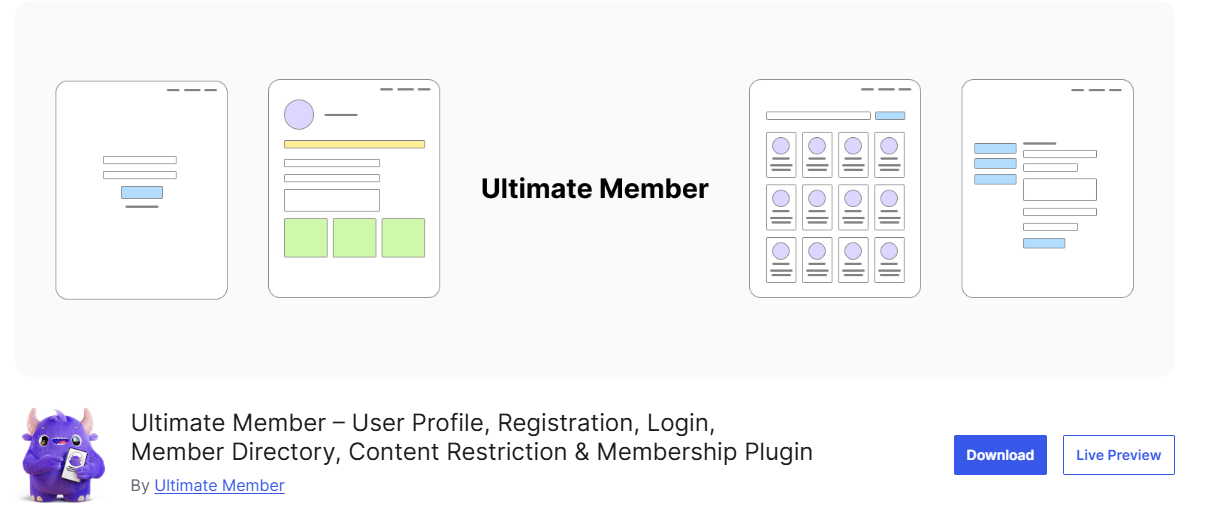
7. Ultimate Member
If your goal is to build a community-driven membership website rather than a product-focused subscription business, Ultimate Member is an excellent MemberPress alternative.
This plugin focuses on user registration, member profiles, directories, and community engagement, making it ideal for social communities, professional networks, educational portals, and private member websites.
Unlike MemberPress, which is centered around selling memberships and digital products, Ultimate Member places greater emphasis on helping members connect and interact.
One of Ultimate Member’s biggest strengths is its front-end user experience. Members can register, log in, edit their profiles, manage their accounts, and browse member directories without ever accessing the WordPress dashboard.
The plugin also includes customizable registration forms, drag-and-drop form building, custom user roles, conditional form logic, content restriction, and personalized account pages. These features make it easy to create a professional-looking membership site without writing code.
Another reason to consider Ultimate Member is its extensive extension ecosystem. You can add paid memberships through Stripe, integrate WooCommerce, enable social login, private messaging, followers, friends, groups, user reviews, real-time notifications, Mailchimp, Zapier, and much more.
Features of Ultimate Member
Front-end user registration, login, and profile management
Drag-and-drop registration and profile form builder
Custom user roles and conditional form fields
Member directories with advanced search options
Content restriction for members-only content
Custom account pages and user email templates
Stripe and WooCommerce integrations for paid memberships
Social login, private messaging, followers, friends, and groups
Mailchimp, Zapier, bbPress, and myCRED integrations
Developer-friendly with extensive hooks and customization options
Pros
Excellent choice for community-focused membership websites.
Flexible form builder with custom fields and conditional logic.
Large selection of extensions for expanding website functionality.
Supports community features such as groups, private messages, followers, friends, and social activity.
Integrates with services and plugins such as Stripe, WooCommerce, Mailchimp, and bbPress.
Offers both free and paid extensions.
Highly customizable and suitable for developers who want to extend its functionality.
Cons
Advanced membership and community features may require multiple paid extensions.
Not as focused on subscription management as dedicated membership plugins such as MemberPress.
The total cost can increase as you add more extensions.
Setting up a complex membership community may require several extensions and integrations.
Some features that come built into all-in-one membership plugins may need to be added separately.
How Much Does Ultimate Member Cost?
Ultimate Member comes with a free version that includes the essentials for building a membership website: user registration, login forms, member profiles, directories, and basic content restrictions. If you need features like paid memberships, private messaging, social activity, groups, or WooCommerce integration, you’ll need to upgrade to a premium plan.
Premium pricing starts at $276 per year and includes access to premium extensions, updates, and support.
8. Simple Membership
Simple Membership is a MemberPress alternative worth considering if you want a lightweight way to protect content and manage memberships without adding unnecessary complexity to your WordPress dashboard.
As the name suggests, the plugin focuses on the essentials, allowing you to create unlimited membership levels, protect posts and pages, and offer both free and paid memberships.
One thing I like about Simple Membership is the flexibility it offers in setting membership durations. You can create memberships that last for a specific number of days, weeks, months, or years, or choose memberships that remain active until canceled.
You can also set a specific future expiry date or use annual memberships based on a calendar or fiscal year. This makes the plugin suitable for different membership models, whether you want to sell access for a fixed period or offer subscriptions that renew automatically.
Simple Membership also handles the payment side of membership websites with support for PayPal, Stripe, and Braintree. PayPal and Stripe support both one-time and recurring payments, while Braintree supports one-time membership payments.
The plugin has a range of additional features and add-ons, including social login, Google reCAPTCHA, photo gallery protection, and developer hooks for customization.
Features of Simple Membership
Unlimited membership levels
Free and paid memberships
Flexible membership duration and expiry options
Content restriction for posts, pages, galleries, files, and attachments
Partial content protection and teaser content
PayPal, Stripe, and Braintree payment support
One-time and recurring subscription payments
Front-end registration, login, and member profiles
Payment logs and member management dashboard
Google reCAPTCHA, login tracking, email notifications, and member import
Pros
Free and lightweight membership plugin.
Easy to set up and use for basic membership websites.
Supports unlimited membership levels.
Offers both free and paid memberships.
Supports one-time and recurring payments through PayPal and Stripe.
Provides flexible membership duration options.
Includes partial content protection and teaser content.
Works with most WordPress themes.
Offers useful member management and payment tracking features.
Provides developer hooks and an API for advanced customization.
Cons
Lacks some advanced membership and marketing features found in premium plugins.
The core plugin may feel limited for complex membership businesses.
Advanced functionality may require additional add-ons or custom development.
Reporting and analytics are relatively basic.
Not the best fit for businesses that need extensive built-in sales funnels, advanced automation, or sophisticated subscription management.
How Much Does Simple Membership Cost?
Simple Membership is a free WordPress membership plugin. The core plugin lets you create membership levels, restrict content, manage members, and accept payments through supported payment gateways.
If you need additional features, you can extend the plugin with premium add-ons.
9. s2Member
s2Member is a long-standing MemberPress alternative that has been powering WordPress membership websites for more than 15 years. It is built for site owners who want greater control over how they manage memberships, protect content, and accept payments.
With this plugin, you can create free and paid membership levels, offer one-time purchases or recurring subscriptions, and restrict access to posts, pages, categories, tags, custom URLs, and downloadable files.
Security is another area where s2Member offers useful features. You can limit failed login attempts, restrict account access by IP address to help prevent account sharing, automatically remove access when a membership expires, and customize your login and registration pages. You can also protect downloadable files and other digital content, making s2Member a practical option for websites that need tighter control over member access and premium resources.
When it comes to payments, s2Member supports several options depending on the version you choose. The free version integrates with PayPal Standard, while s2Member Pro adds support for Stripe, PayPal Pro, Authorize.Net, and ClickBank.
You can accept one-time payments and recurring subscriptions, sell protected downloads, create coupon codes, send membership renewal reminders, and set up one-step checkout forms. The plugin also integrates with services such as Mailchimp, bbPress, BuddyPress, and Amazon S3, giving you more ways to connect your membership site with email marketing, online communities, and secure file storage.
Features of s2Member
Unlimited free and paid membership levels
One-time payments and recurring subscriptions
Advanced content protection for posts, pages, categories, tags, custom post types, and URLs
File protection for downloadable products and media
Custom access capabilities for granular permission control
Content dripping
Stripe, PayPal, PayPal Pro, Authorize.Net, and ClickBank support
One-step checkout forms
Coupon codes and gift/redemption codes
Membership renewal reminder emails
Custom login, registration, and welcome pages
Custom profile fields
Member account sharing protection with IP restrictions
Login security and failed login protection
Integrations with Mailchimp, BuddyPress, bbPress, Amazon S3, and CloudFront
Bulk member import, export, and updates
Public member directory
Pros
Flexible membership and content protection system
Supports recurring subscriptions and digital product sales
Excellent security features to protect member accounts and files
Works well with popular WordPress themes and plugins
Cons
User interface feels dated compared to newer membership plugins
Steeper learning curve, especially for beginners
Many advanced features require the Pro version
Heavy reliance on shortcodes for advanced customization
How Much Does s2Member Cost?
s2Member offers a free version that includes essential features for creating a membership website, such as content protection, PayPal Standard integration, and basic membership management.
For more advanced features such as unlimited membership levels, content dripping, Stripe support, coupon codes, one-step checkout, member directories, and bulk member management, you’ll need s2Member Pro, which starts at $89 (one-time payment) for a single-site license.
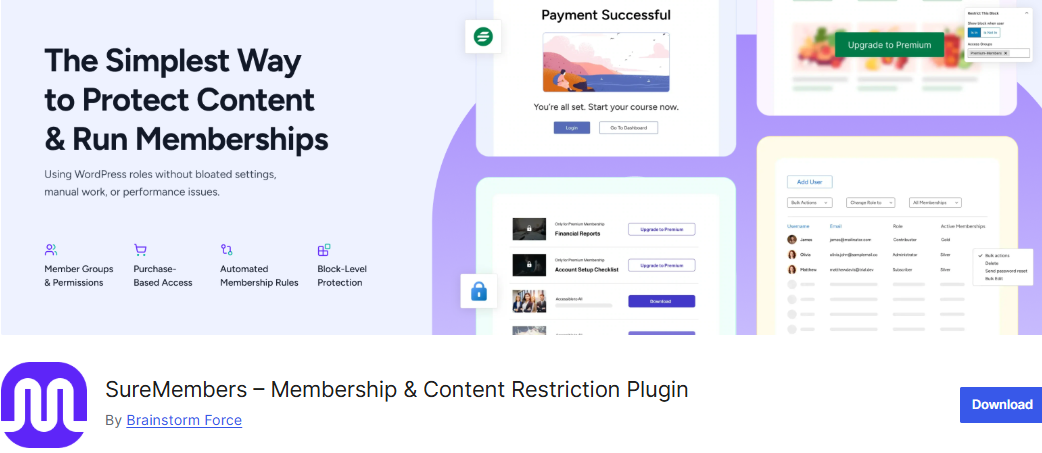
10. SureMembers
SureMembers is another WordPress membership plugin that gives you a simple way to create unlimited membership levels and control exactly what each group can access.
Whether you’re running a paid membership site, selling online courses, or offering exclusive resources, you can set up different access rules to match the way your business works.
What really impressed me is how intuitive the content restriction system feels. It doesn’t overcomplicate things. You can protect posts, pages, and custom post types, then decide what visitors see when they try to access restricted content.
You can redirect unauthorized users to specific pages, customize login and logout redirects, and use the built-in login customizer to give your membership area a more branded look.
SureMembers Premium adds more advanced features, including block-level content restrictions, content dripping, protected downloads, user role synchronization, session and login controls, and bulk user imports through CSV files.
Features of SureMembers
Create unlimited membership levels and access groups
Restrict posts, pages, and custom post types
Protect individual blocks within posts and pages
Advanced content protection for posts, archives, custom post types, and URLs
Drip content and schedule when members gain access
Works with posts, pages, custom post types, and URLs
Lightweight and designed to avoid unnecessary bloat
Premium version includes content dripping and protected downloads
Works well with LMS platforms and other WordPress plugins
No monthly per-member fees
Keeps your membership system within WordPress
Cons
Advanced features require the Premium version
Payment and subscription functionality may require integration with SureCart or another platform.
May require additional plugins for a complete membership ecosystem
Not as feature-rich out of the box as some all-in-one membership platforms
Users who need advanced reporting and built-in marketing automation may need additional solutions
How Much Does SureMembers Cost?
SureMembers offers both a free and a premium version. The free plugin includes the core membership features needed to create membership levels, restrict content, customize login pages, and manage member access.
If you need advanced capabilities such as content dripping, block-level restrictions, download protection, user role synchronization, and CSV user imports, SureMembers Premium starts at $69 per year.
How to Choose the Right MemberPress Alternatives for Your Membership Site
Choosing the right plugin for your membership site is an important decision because it affects how you manage members, deliver content, collect payments, and grow your business.
Below are some important factors to consider when choosing the right MemberPress alternative for your membership site:
1. Consider Your Membership Model: Start by thinking about how you plan to make money from your membership site. Do you want to offer free memberships, paid subscriptions, one-time purchases, or a combination of different options?
For example, ProfilePress and Paid Memberships Pro are good choices if you want flexibility when creating free and paid membership plans. ProfilePress also lets you create different membership plans, protect content, and connect membership access with products and payments, making it suitable for a wide range of membership business models.
Understanding your business model first will help you narrow down your options and avoid paying for features you may never use.
2. Look at the Content Protection Features: Content restriction is at the heart of any membership website. Before choosing a plugin, consider the type of content you want to protect and how much control you need over member access.
Some plugins let you restrict individual posts and pages, while others support categories, custom post types, URLs, downloadable files, and even specific sections of content.
3. Check the Payment Options: Your membership plugin needs to work with the payment methods your customers prefer. Before making a decision, check which payment gateways are supported and whether they allow you to accept recurring subscriptions, one-time payments, free trials, or installment payments.
ProfilePress supports several popular payment gateways, including Stripe, PayPal, Razorpay, Paystack, Mollie, and Bank transfer. This makes it a useful choice for businesses that want to accept payments from customers in different regions.
4. Think About Your Online Course Needs: If you’re planning to sell online courses alongside your memberships, look for a plugin that includes learning management features or integrates well with an LMS.
5. Consider Email Marketing and CRM Integrations: Email marketing is important for keeping members engaged, promoting new products, and encouraging subscription renewals. If you already use an email marketing platform or CRM, make sure your chosen membership plugin integrates with it.
6. Think About the Member Experience: A membership site should be easy for your customers to use. Consider how members will register, log in, access their content, manage their accounts, and make payments.
Features such as front-end registration, user profiles, member dashboards, account management, and custom login pages can make a big difference to the overall experience.
7. Consider Community and Social Features: If your goal is to build an online community rather than just sell access to premium content, look beyond traditional membership features.
Features such as member directories, user profiles, private messaging, groups, forums, social activity, and user interactions can help create a more engaging experience.
8. Consider Your Budget: Price is an important factor, especially when you’re starting a new membership business. However, don’t compare plugins based only on their initial price.
Check what is included in each plan, whether important features require paid extensions, and how much you will pay when the license renews.
A cheaper plugin may become more expensive if you need to purchase several add-ons to get the functionality you need. On the other hand, a higher-priced plugin may offer better value if it includes features that would otherwise require multiple plugins.
Frequently Asked Questions About MemberPress Alternatives
Q1. What is the best MemberPress alternative?
The best MemberPress alternative depends on the type of membership website you want to build and the features you need. ProfilePress is an excellent option for WordPress site owners who want to create membership plans, protect content, manage user registration, accept payments, and build customized member experiences.
Other options may be better suited to specific use cases. For example, Paid Memberships Pro offers flexible membership management, WooCommerce Memberships works well for stores that already use WooCommerce, and MemberMouse is designed for businesses that need advanced subscription and sales features.
Q2. Is there a free alternative to MemberPress?
Yes. Several MemberPress alternatives offer free versions. ProfilePress, Paid Memberships Pro, Simple Membership, and s2Member all provide ways to get started without paying for a premium membership plugin upfront, although some advanced features and integrations require paid plans.
Q3. Is ProfilePress a good MemberPress alternative?
Yes. ProfilePress is a good MemberPress alternative for WordPress users who want to create membership websites with flexible membership plans, content restriction, user registration, customizable forms, and payment options.
It can be used for various membership businesses, including sites that offer free and paid memberships, premium content, digital products, and subscription-based access. Its customizable user-facing features also make it a good choice if you want greater control over the registration, login, and member account experience.
Q4. Which MemberPress alternative is best for selling online courses?
If online courses are at the center of your business, AccessAlly is worth considering because it combines membership functionality with LMS features, CRM integrations, automation, quizzes, assignments, certificates, progress tracking, and gamification.
Q5. Can I migrate from MemberPress to another membership plugin?
Yes, it is possible to migrate from MemberPress to another membership plugin, but the process depends on the plugin you choose and the amount of membership data you need to transfer.
Before switching, make a list of your existing membership levels, users, subscriptions, protected content, payment setup, and third-party integrations. You should also create a complete backup of your WordPress website before making any changes.
If you are considering ProfilePress as your MemberPress alternative, review your current membership structure and determine how your existing users, plans, and content restrictions will be recreated in your new setup. It is also a good idea to test the migration on a staging website before making the switch on your live site.
Q6. Which MemberPress alternative should I choose?
The right MemberPress alternative depends on your specific needs.
If you want a flexible membership solution with customizable registration and login forms, content protection, membership plans, and payment options, ProfilePress is worth considering.
If you need a solution designed around WooCommerce, WooCommerce Memberships may be a better fit. For advanced membership businesses that need sales optimization and subscription management, MemberMouse is worth exploring. If you want powerful CRM automation and LMS functionality, AccessAlly may be a better choice.
Ultimately, the best plugin is the one that fits your membership model, budget, technical requirements, and long-term plans. Take the time to compare the features, integrations, payment options, and pricing of each solution before deciding which MemberPress alternative is right for your website.
Final Thoughts
We hope this article helped you pick the best MemberPress alternative for your membership site. As you can see, there are plenty of great options available, and the right choice ultimately depends on what you want to achieve with your website.
If you’re looking for a flexible WordPress membership plugin that lets you create membership plans, restrict content, manage users, and accept payments, ProfilePress is an excellent option. It gives you the features you need to build a professional membership site while leaving you room to grow as your business expands.