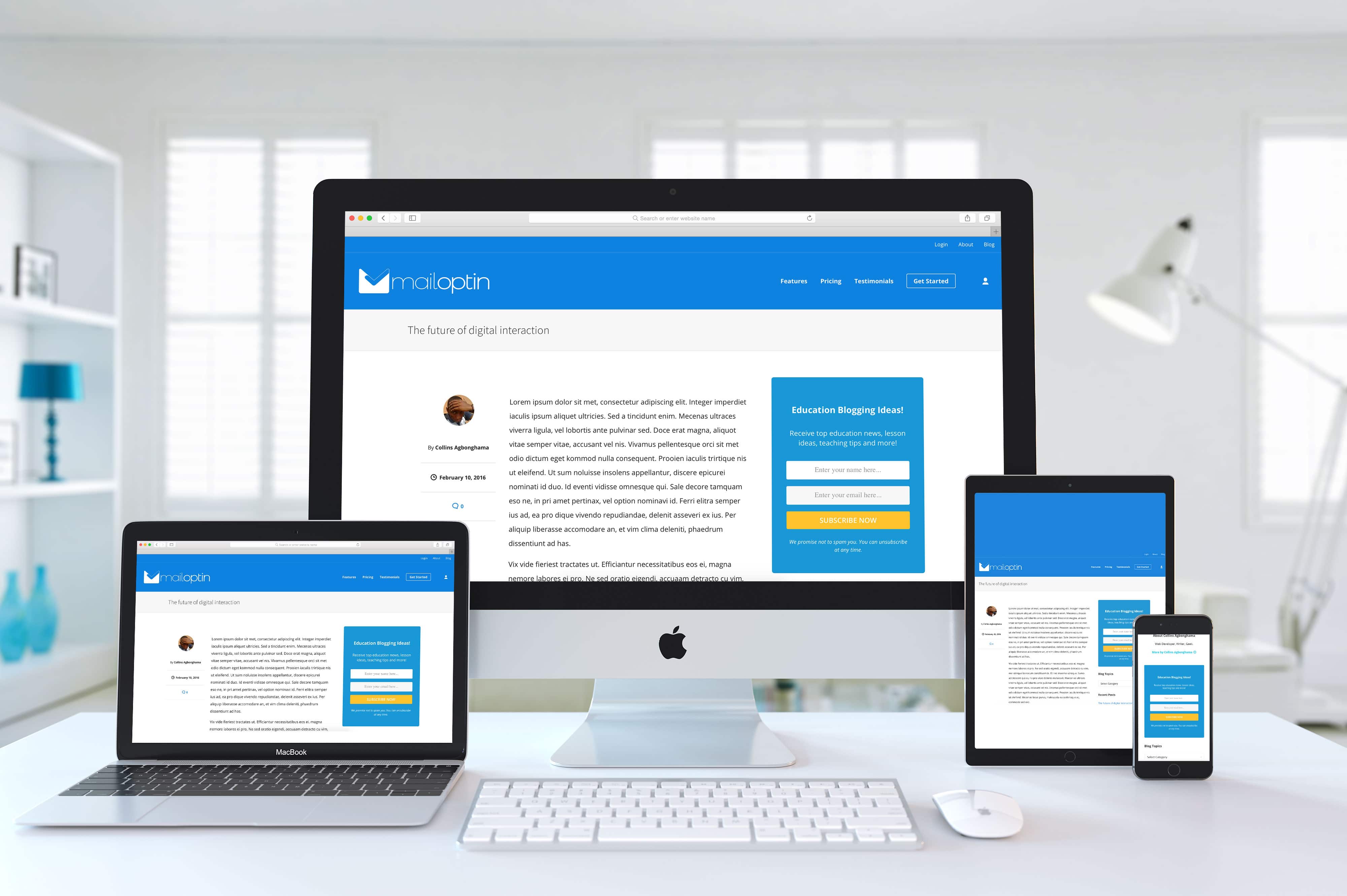
Optin forms in most WordPress website sidebars, footers, or widget areas are ugly and don’t provide any conversion data. MailOptin sidebar forms allow you to make data-driven decisions.
You should see the sidebar widget optin form displayed at the right-hand side of this page.
The use of a sidebar form is arguably the most common and popular method of building an email list.
You can find sidebar forms on almost every website on the internet, primarily because website owners see others using them. The problem with most sidebar forms, however, is that they offer no analytics to support data-driven decision-making.
MailOptin sidebar forms for WordPress integrate with all the major email marketing service providers, including Mailchimp, Salesforce, Microsoft Dynamics 365, Drip, AWeber, Google Sheets, Kit (ConvertKit), MailerLite, Constant Contact, GetResponse, Sendy, Campaign Monitor, ActiveCampaign, Brevo (Sendinblue), Gist, Klaviyo, Sendlane, Mailster, Vertical Response, Mailjet, HubSpot, Ontraport, Moosend, MailPoet, Zoho CRM, Zoho Campaigns, Keap Max Classic (Infusionsoft), HighLevel, Omnisend, Flodesk, Beehiiv, Benchmark Email (Classic), SendFox, iContact, Mailgun, Ortto, E-goi, SendGrid Email Marketing, Elastic Email, Encharge, Sender.net, SendPulse, Bento, weMail, FluentCRM, Groundhogg, CleverReach, Mailercloud, Copper CRM, NewsMAN, Facebook custom audience.
MailOptin is a perfect tool for growing your email list and converting visitors to your WordPress website into customers.
You can embed this opt-in form type in the middle, before, and after a few paragraphs of your posts and pages content, as well as anywhere in your theme template using shortcode and template tags.
Use MailOptin today to exponentially boost conversions.