We’re happy to announce our latest plugin update, MailOptin 2.2.77.0. This update brings two brand-new email marketing integrations, SendPulse and Bento, along with several improvements and bug fixes to enhance your overall MailOptin experience.
New Features
SendPulse Integration
MailOptin now integrates with SendPulse, the multi-channel marketing platform trusted by over a million businesses worldwide. With this integration, leads captured through your MailOptin popup and opt-in forms are automatically added to your SendPulse subscriber lists, ready for your email campaigns, automation flows, and more.

Bento Integration
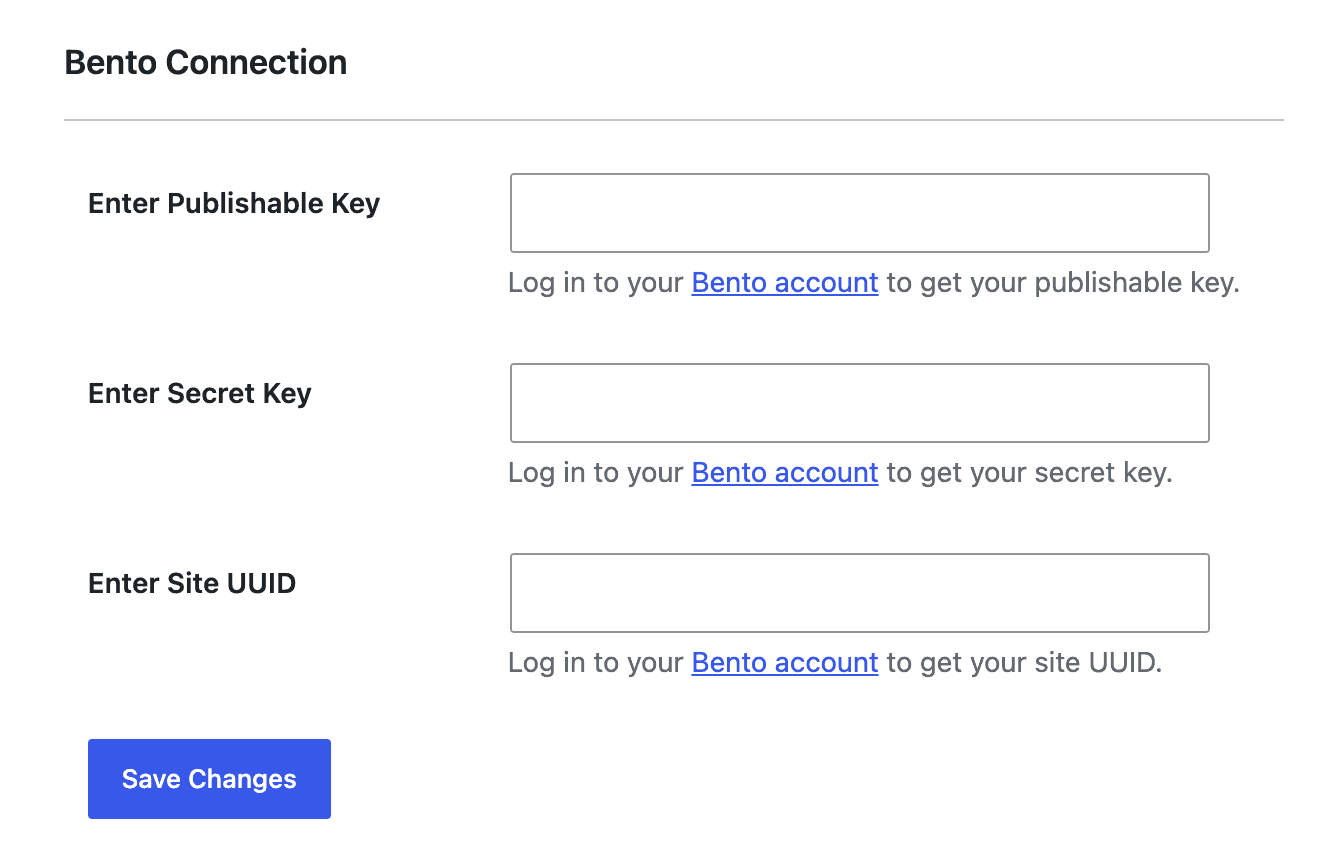
We’ve also added a native integration with Bento, the developer-first email marketing platform built for SaaS and eCommerce businesses. With MailOptin’s Bento integration, subscribers captured from your WordPress site are sent directly to Bento, where you can trigger automations, tag users, and run targeted broadcasts.
Improvements
Increased API Request Timeout
We’ve increased the timeout for outgoing API requests to connected email marketing services. This reduces the likelihood of failed syncs on slower or high-latency connections, particularly when MailOptin is communicating with third-party APIs during high-traffic periods.
Improved Content Hiding in Outlook Emails
We’ve improved how content is hidden in Outlook email clients. Certain layouts and conditional blocks in MailOptin email templates were sometimes visible in Outlook when they should have been hidden. We’ve addressed this, so your email campaigns render cleanly across all major email clients.
New Filter: Remove Footer Section from Email Template DOM
Developers now have a filter available to remove the footer section from the MailOptin email template DOM. This is useful when building custom-branded email templates where you want full control over the footer—or no footer at all.
add_filter('mo_remove_email_template_footer', '__return_true');
Improved Admin UI for WordPress 7
We’ve made UI improvements throughout the MailOptin admin area to ensure compatibility and a polished look with WordPress 7’s updated admin design language. Controls, spacing, and visual elements have been refined to align with the latest WordPress admin standards.
Bug Fixes
Fixed: Carbon Issues with Dates
We’ve resolved issues caused by the Carbon date library that were affecting date calculations in certain server environments and PHP configurations. This fix ensures accurate date handling across scheduling, automation triggers, and campaign timing.
You can view the complete changelog here.
– – –
These updates aim to enhance the product’s overall functionality and performance. As always, we recommend keeping your software up to date to benefit from these improvements and avoid known issues.
Be sure to update to the latest version to take advantage of this new feature. You can update your MailOptin plugin from your website’s dashboard by navigating to Dashboard >> Updates, or you can download the latest version from your MailOptin account dashboard.
If you encounter any problems or have any feedback, please don’t hesitate to contact our support team.
Happy updating!