
MailOptin: Best Constant Contact WordPress Plugin
Create email newsletter sign-up forms in WordPress that integrate with Constant Contact. Connect WooCommerce, Elementor, and various contact form, membership, and LMS plugins to your Constant Contact account.
Constant Contact Signup Forms. Done Right
Your Constant Contact WordPress plugin should do two things well: connect without hassle and give you enough control to build the form experience your audience actually deserves. MailOptin does both, letting you create lead capture forms on your WordPress site that feed directly into your Constant Contact audience, contact, or email list.

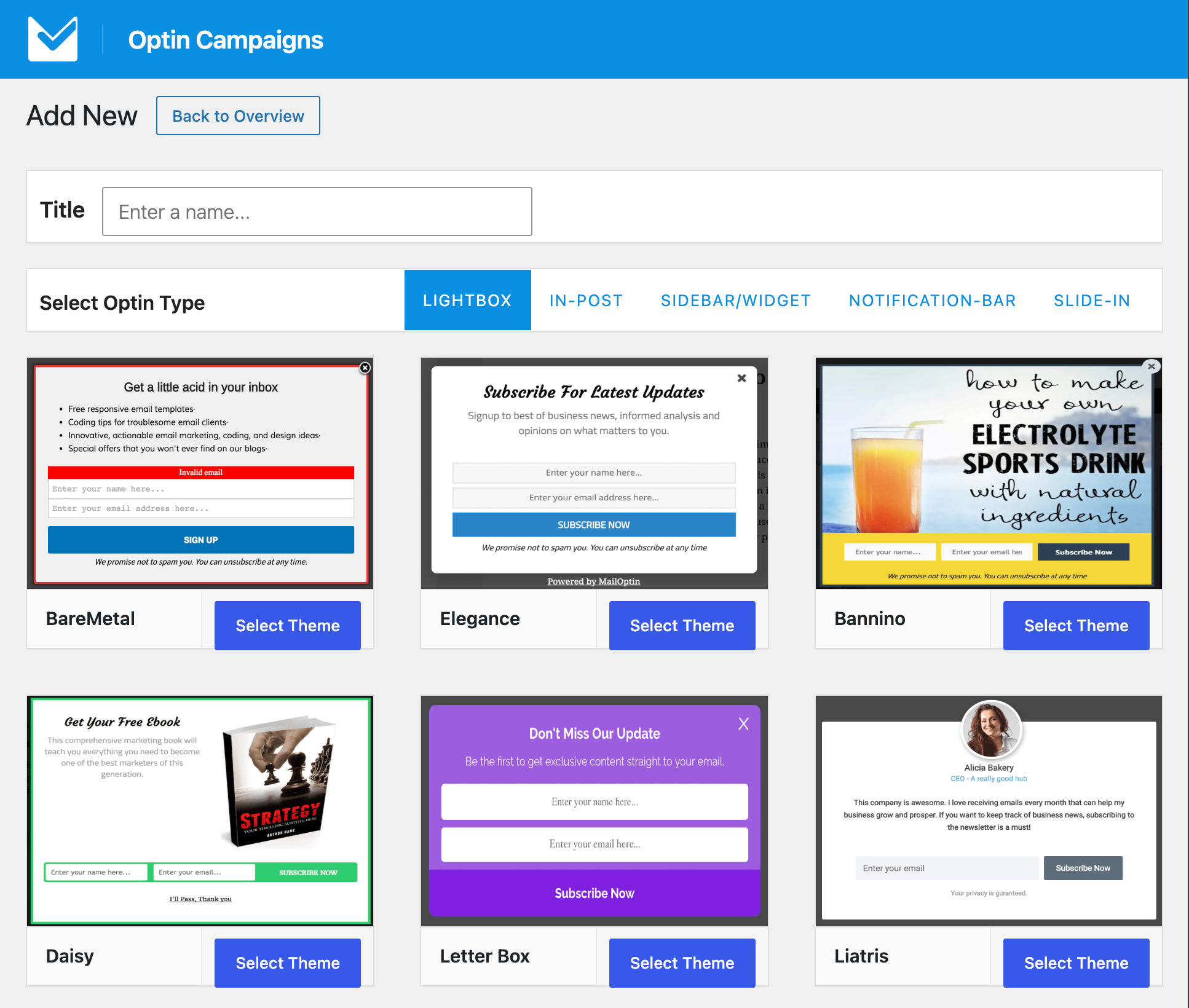
Multiple Optin Displays
Target Smarter with Constant Contact and MailOptin

The Best Constant Contact WordPress Plugin
Scale Marketing With Our Constant Contact Integration
MailOptin integrates WordPress with Constant Contact, making it easy to add new subscribers from your created optin forms. It automatically sends leads, tags, contact information, and custom data directly to Constant Contact.
✴
Connect Optin Forms to Constant Contact
Add a Constant Contact integration to your WordPress optin form created with MailOptin and send subscriber data to your email list with every submission.
✴
Custom Fields Mapping
Easily connect form fields to Constant Contact custom fields to make sure data is sent correctly for better targeting.
✴
Add Tags Automatically
If Constant Contact supports it, assign one or more tags to new subscribers after they submit the form.
✴
Select List to Join
Let your leads, contacts, or registering users select the Constant Contact audience or email list they want to subscribe to.
✴
Double Optin Support
If Constant Contact supports it, enable confirmation emails for each subscriber to ensure they have actively opted in.
✴
Content Locking
Restrict access to certain parts of your WordPress content for Constant Contact subscribers only.
Email WordPress Posts to Constant Contact
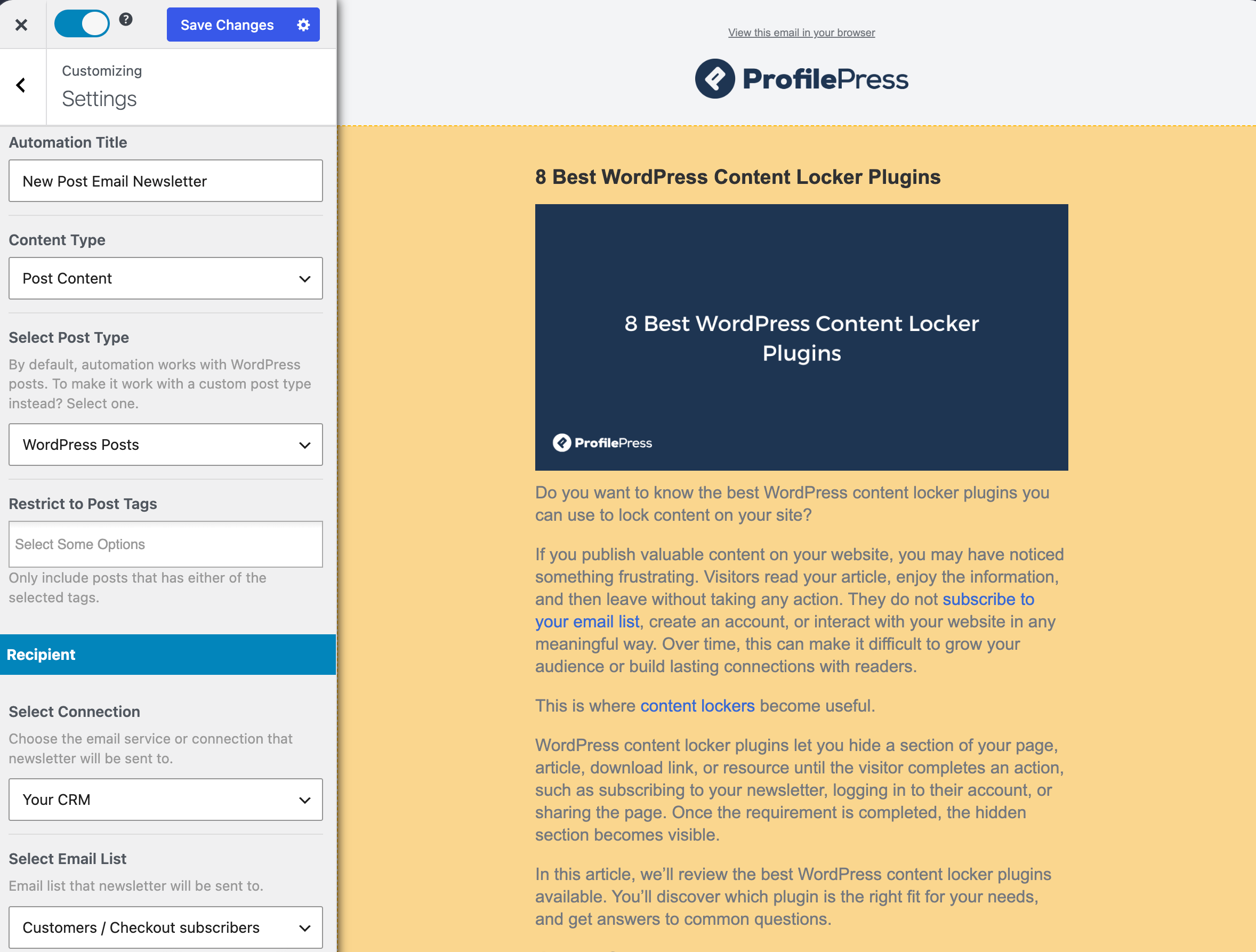
You can automatically email your Constant Contact list subscribers every time you publish new posts on your WordPress website.
Want to send out daily, weekly, or even monthly email campaigns of your published content in WordPress to your Constant Contact subscribers? MailOptin has you covered.
You can also directly email your contacts and subscribers in Constant Contact directly from your WordPress website without having to log in to your Constant Contact account dashboard.
Common Use Cases of Constant Contact Integration in MailOptin
Grow Your Constant Contact Email List: Display targeted popups, slide-ins, notification bars, sidebar forms, and inline opt-ins to convert website visitors into email subscribers and customers
E-commerce Customer Engagement: Utilize WooCommerce integration to target customers with specific offers and Constant Contact signup form based on their cart contents, purchase history, or total spending, enhancing customer loyalty and driving sales
Sync Form Submissions to Your CRM: Connect Gravity Forms, Contact Form 7, WPForms, Ninja Forms, Elementor Forms, Fluent Forms, Formidable Forms, WS Form, and other form plugins to automatically send new leads to your Constant Contact account.
Automate Customer & Member Onboarding: Instantly add new WooCommerce customers, MemberPress members, Paid Memberships Pro subscribers, Ultimate Member users, GiveWP donors, and Easy Digital Downloads customers to your Constant Contact email lists for welcome emails and onboarding sequences.
Nurture Students from Your LMS: Subscribe students from LearnDash, LifterLMS, and Tutor LMS to Constant Contact and segment them based on their enrolled courses.
Send Automated New Post Notifications: Email your content to your Constant Contact contacts whenever you publish new blog posts, news articles, or custom post types in WordPress.
Create Scheduled Email Digests: Keep your email list subscribers in Constant Contact engaged by automatically sending daily, weekly, or monthly email digests featuring your latest content, products, or updates, without having to create each campaign manually.
Deliver Email Newsletters: Design and send professional newsletters and broadcasts directly from WordPress to subscribers, leads, or your audience in Constant Contact.
Constant Contact & WordPress – Frequently Asked Questions
Constant Contact is an email marketing platform that helps businesses and organizations create, send, and track email campaigns with ease. It offers customizable email templates, marketing automation, contact management, and tools for growing subscriber lists. With integrations, reporting, and event marketing features, Constant Contact makes it easy to engage audiences and build lasting customer relationships.
To connect Constant Contact to WordPress, install and activate MailOptin, then connect your Constant Contact account using an API key or OAuth. Next, create an email signup form or popup in MailOptin and select Constant Contact as an integration. Once configured, new subscribers collected through your WordPress forms are automatically added to your chosen Constant Contact list.
No technical knowledge is required. The Constant Contact integration in MailOptin is designed to be user-friendly, allowing you to set up and manage your data connections with ease.
Get the Best Constant Contact WordPress Form Builder Today!
Stop letting your warmest leads slip away, and start making money with MailOptin by connecting your optin forms and WordPress website to Constant Contact.