
Slide-in Email Optin / Scroll Trigger Box for WordPress
MailOptin slide-in scroll boxes appear in a corner of the screen and help you catch your readers’ attention in style.
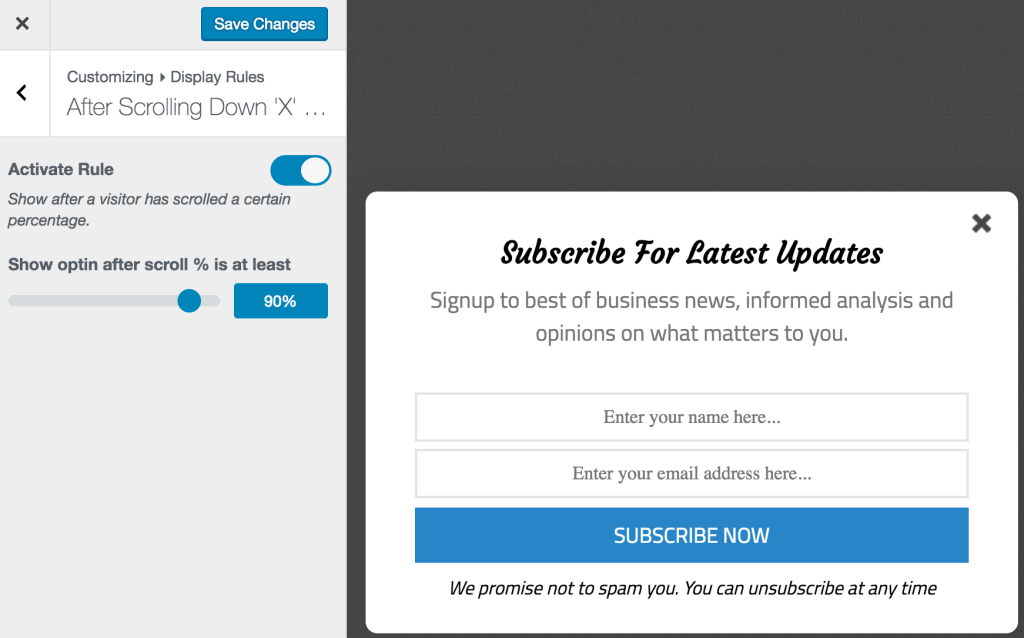
You should see a slide-in optin form displayed when you scroll down a bit.
Slide-ins, also known as scroll boxes, can exponentially grow your email list without being annoying and pushy to your WordPress site visitors. You can also use it to collect feedback, suggestions, or questions from users of your WordPress site.
WordPress Slide-ins can appear in the bottom-right or bottom-left corner of your user’s screen as they scroll down your website. It sticks to the user’s screen, thus making it highly noticeable and conversion-effective.
Timing is everything. If your opt-in form or message slides in too early, your reader might not be ready to subscribe yet, and waiting too long will cost you a new lead.
That’s why, in MailOptin, the moment your slide-in appears is completely up to you. You can wait for your visitor to click on a link, scroll to a certain part of the page, spend a certain amount of time reading, on exit intent, and lots more.
MailOptin slide-ins can be used to create WordPress user registration forms. It also integrates with most email marketing software and CRMs, including Mailchimp, Salesforce, Microsoft Dynamics 365, Drip, AWeber, Google Sheets, Kit (ConvertKit), MailerLite, Constant Contact, GetResponse, Sendy, Campaign Monitor, ActiveCampaign, Brevo (Sendinblue), Gist, Klaviyo, Sendlane, Mailster, Vertical Response, Mailjet, HubSpot, Ontraport, Moosend, MailPoet, Zoho CRM, Zoho Campaigns, Keap Max Classic (Infusionsoft), HighLevel, Omnisend, Flodesk, Beehiiv, Benchmark Email (Classic), SendFox, iContact, Mailgun, Ortto, E-goi, SendGrid Email Marketing, Elastic Email, Encharge, Sender.net, SendPulse, Bento, weMail, FluentCRM, Groundhogg, CleverReach, Mailercloud, Copper CRM, NewsMAN, Facebook custom audience.
Slide-ins are perfect for showing a targeted message and lead capture forms in the right place, at the right time, to the right audience on your WordPress website.